
Push Keys
A Push Key determines which devices can receive a notification. A sending program only needs the key to send notifications to its targets through the MeowPush API, without signing in to your account.
A key can belong to a single device, a device group, or an application. Devices and device groups organize recipients; applications give different senders their own authorization, with targets that can be changed at any time and the option to stop notifications. Applications are the recommended way to connect agents, third-party software, and your own services.
Device Keys
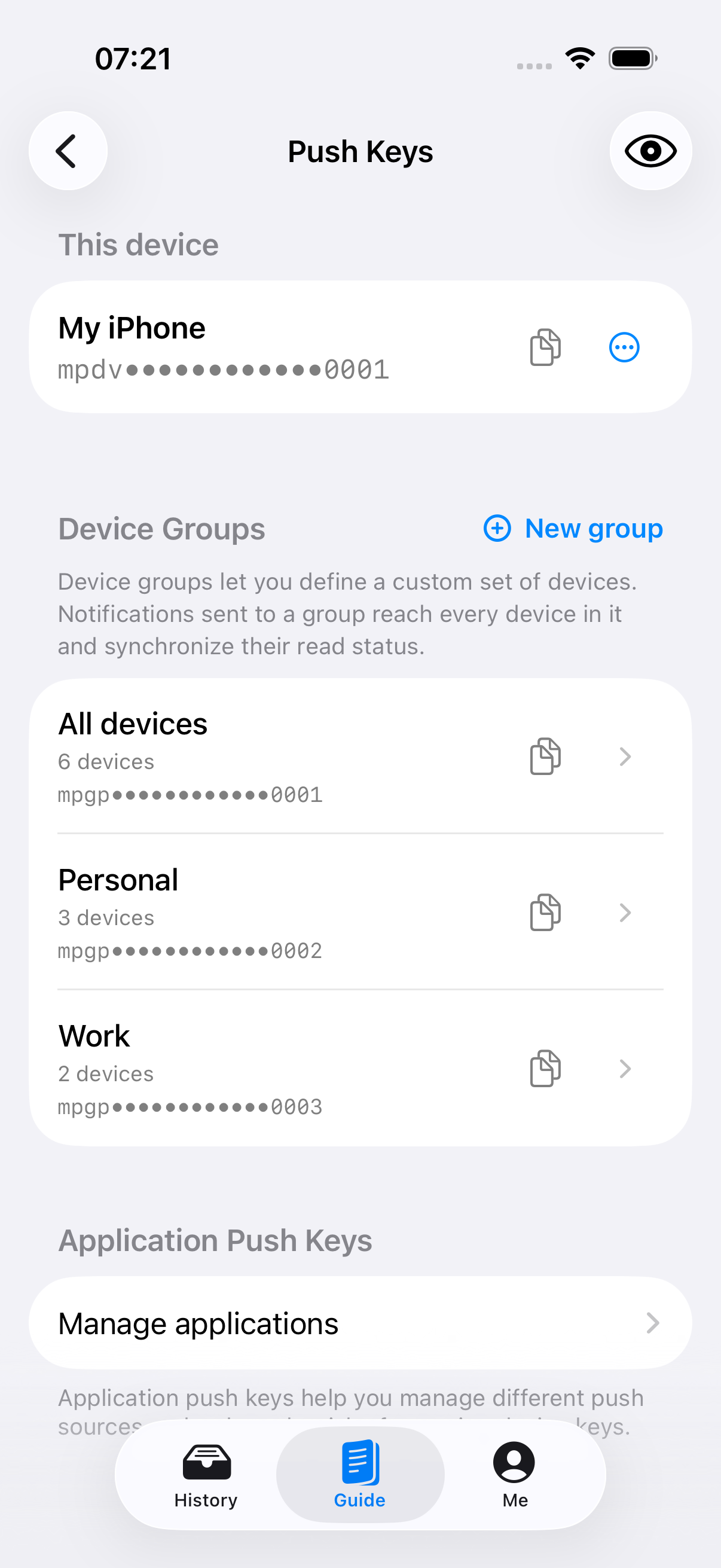
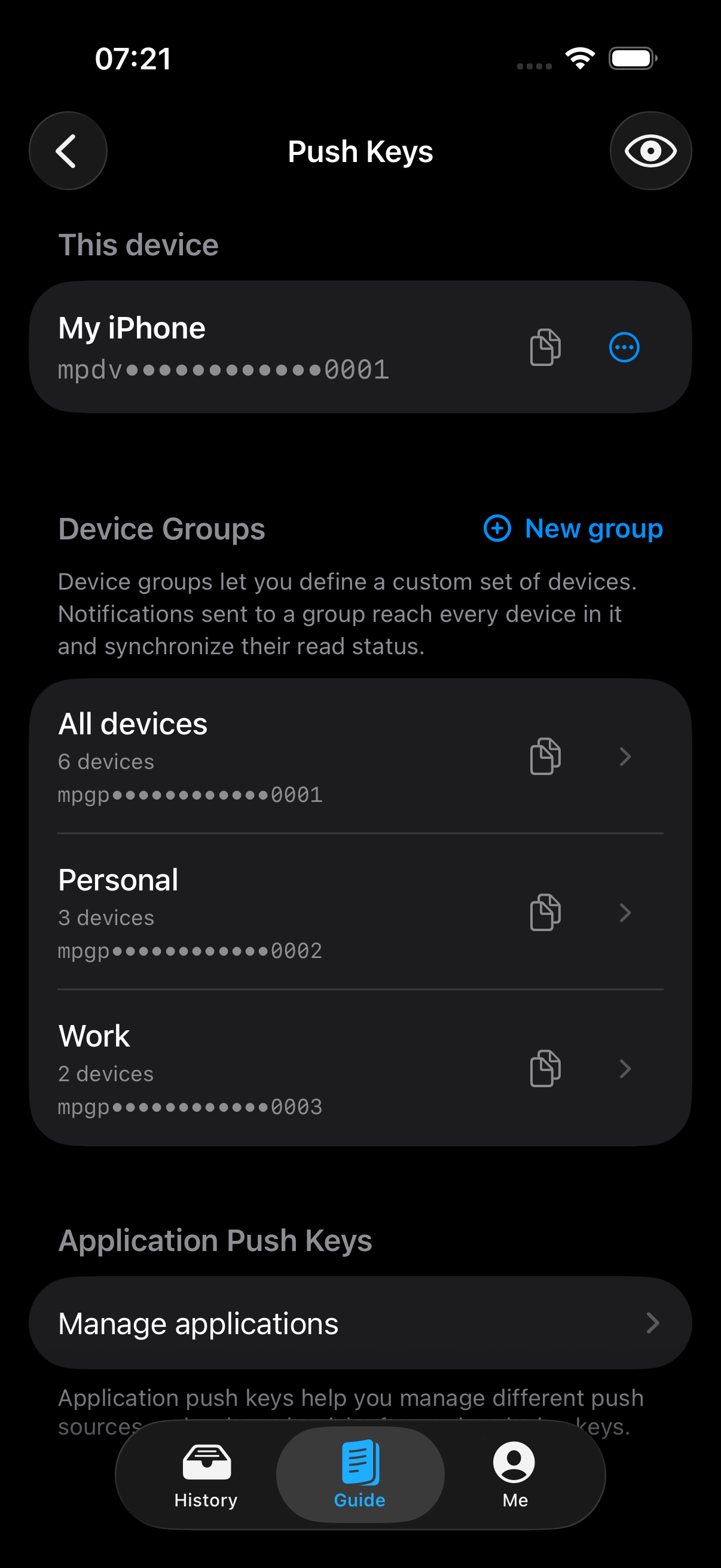
A device key starts with mpdv and sends notifications only to the corresponding device. It suits cases where you want messages on one device, such as having a temporary script send a reminder to your phone.
Copy the This Device key from Guide in the app, or open Me → Push Keys to manage keys in one place.
Device-Group Keys
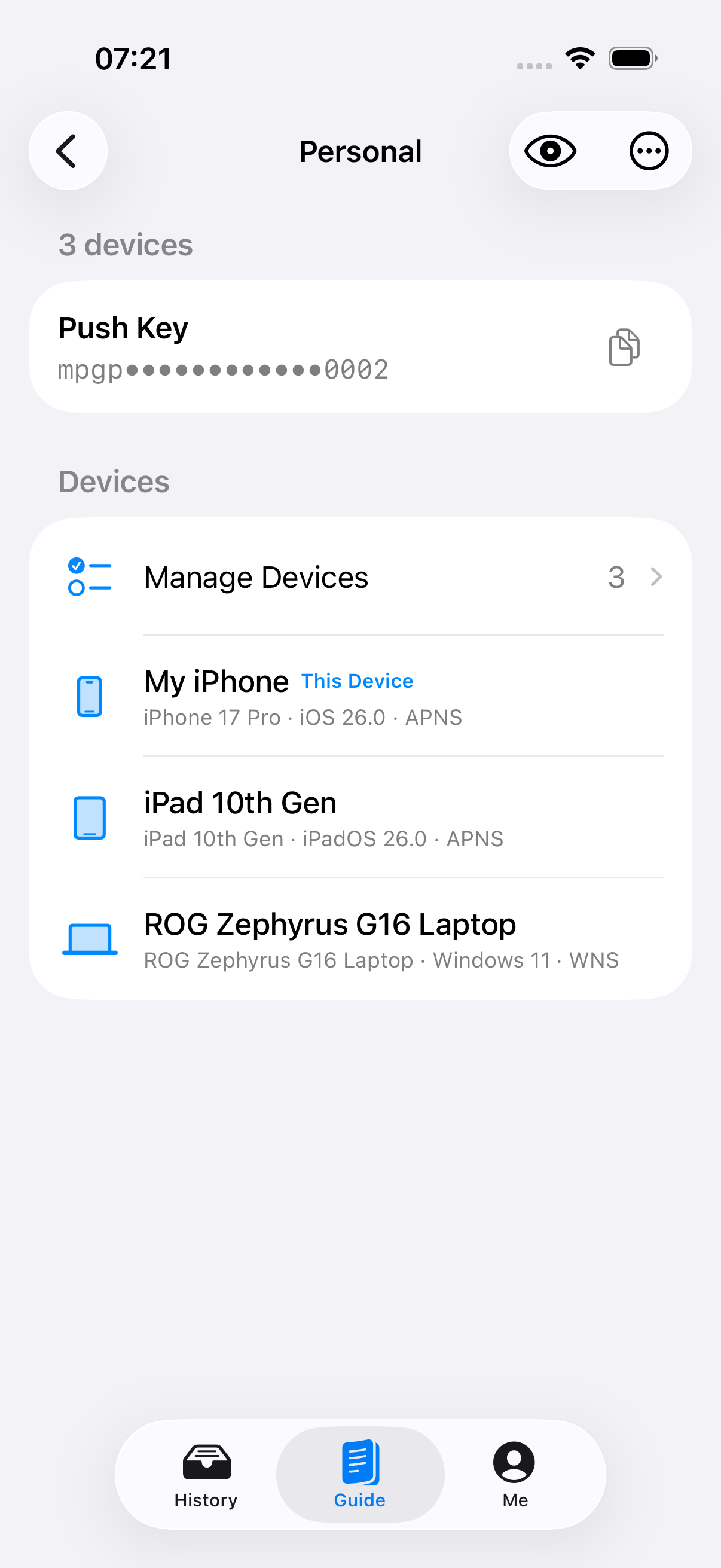
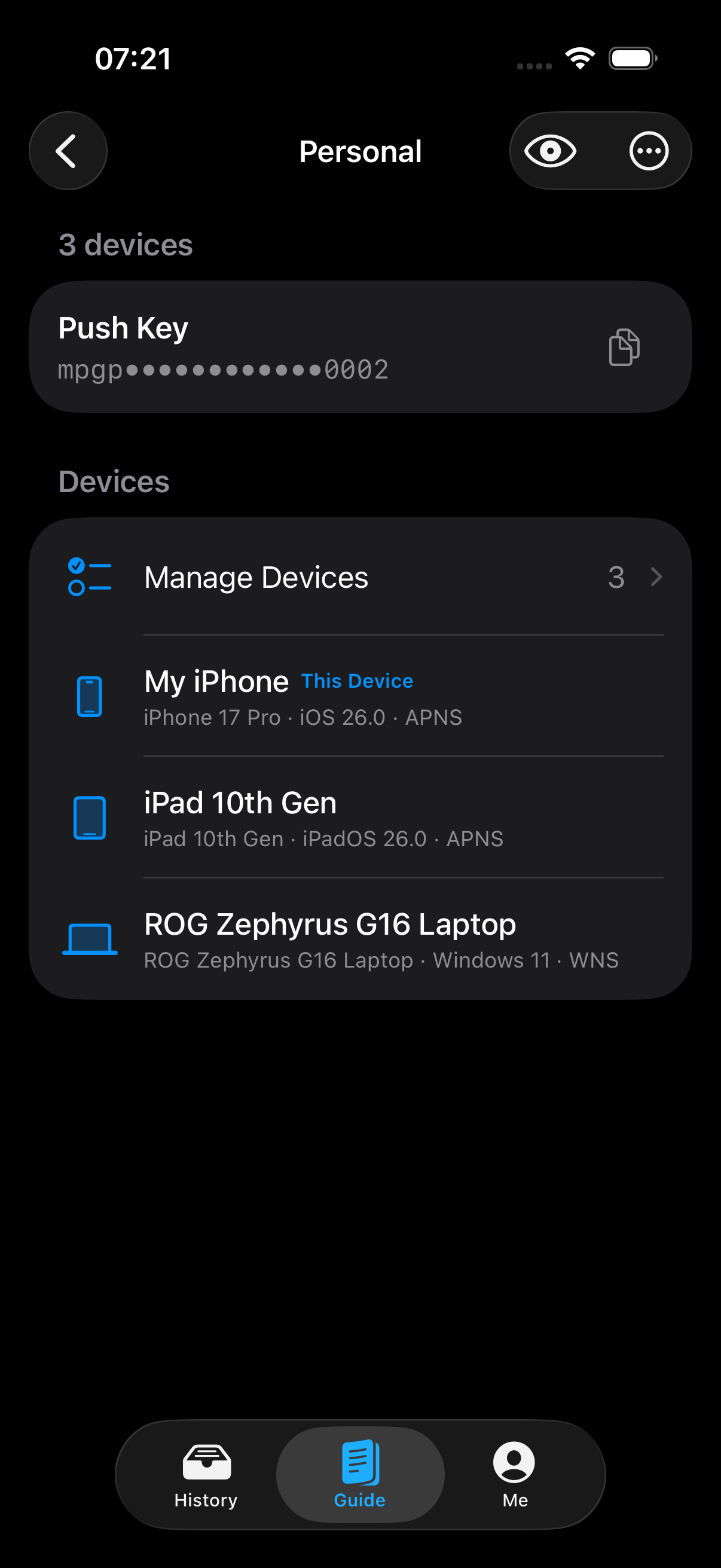
A device group combines several devices into one receiving target and uses a key starting with mpgp. It suits cases where you want to receive a message on selected phones, tablets, or computers at the same time.
| Device group | Recipients | Example use |
|---|---|---|
| All Devices | All current and newly added devices under your account | You have only a few devices and want every device to receive notifications |
| Custom device group | Devices you select manually | Send work notifications to work devices and private messages to personal devices, for example |
Create a device group on the Push Keys page, select its members, give it a name such as Personal or Work, and check the devices to include. Notifications sent with this key will reach every device in the group. You can change its device list at any time.
Application Push Keys
Applications provide a more flexible way to manage notifications. For example, create separate applications for Home Server, Build Agent, and Daily Summary, then select devices or device groups as their targets. This helps isolate and distinguish notifications from different sources and reduces the risk of exposing device or device-group keys.
Each application has its own Application Push Key starting with mpap. The sender uses this key to send notifications to the application's currently authorized targets, without obtaining the underlying device or device-group keys. You can change an application's receiving devices at any time.
Use Application Push Keys when connecting agents, third-party software, or scripts that run over time. You can create and manage applications in the app or through MeowPush Account Management. See Applications for more instructions.
Keep Your Push Key Safe
A Push Key is a bearer capability: anyone holding it can use it to send notifications. Never commit a real key to a public repository, write it to public logs, or share it in a screenshot. If it leaks, reset the affected key immediately and update the sending programs or services that use it.